Mini Golf Islands


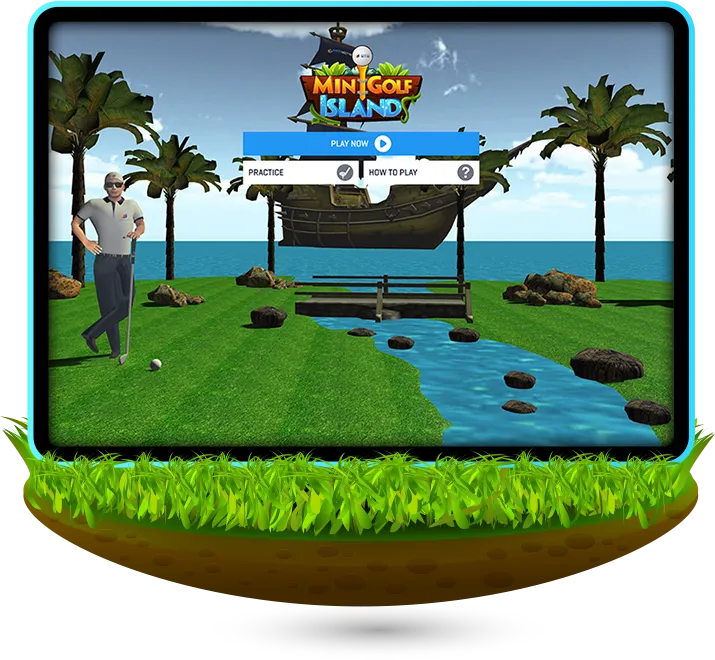
Mini Golf Islands is a captivating miniature golf game that challenges players to navigate through scenic and challenging courses, aiming to complete each hole in the fewest shots possible. Players must use precision and strategy to overcome obstacles, discover special shortcuts, and enjoy the picturesque island settings.


- Start your adventure by
clicking "Play Now" on
the homepage.
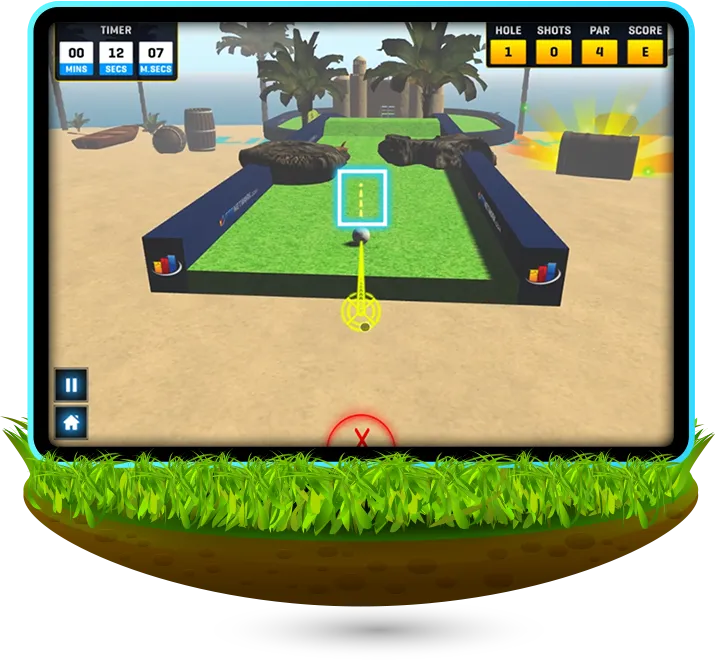


- Take each shot by dragging back on the ball to adjust power and angle. Change the camera angle by holding and dragging on your screen.
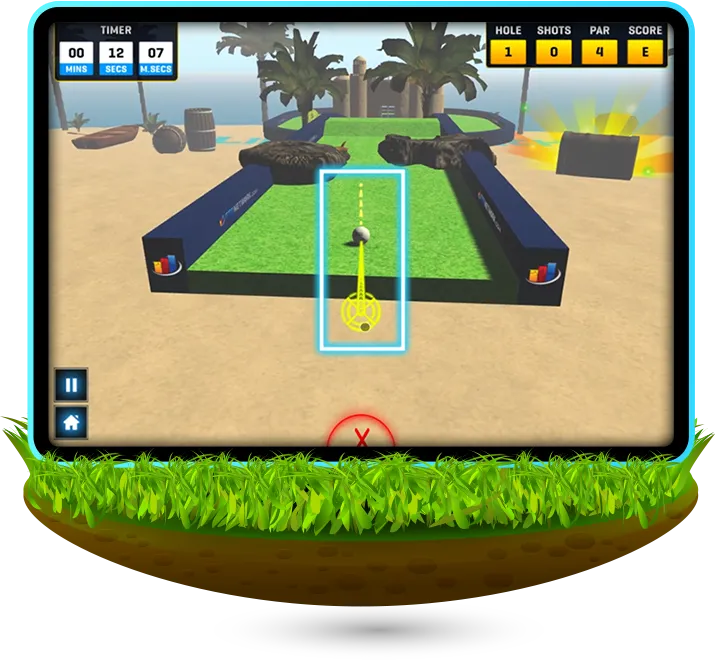
- The dashed lines in front
of the ball indicate the
direction of its travel.
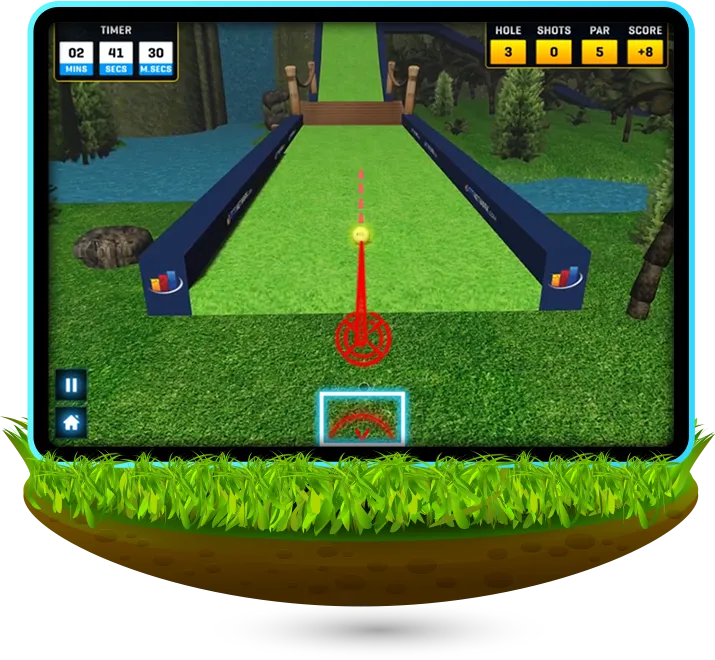
- The line behind the ball
indicates the power; pull
further back for a stronger shot.
- Cancel a shot by hovering
over to the red 'X'.
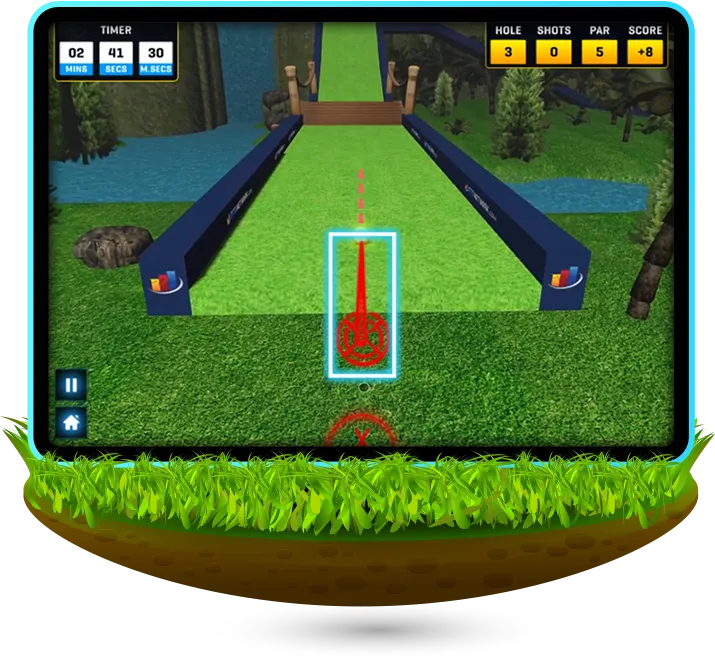
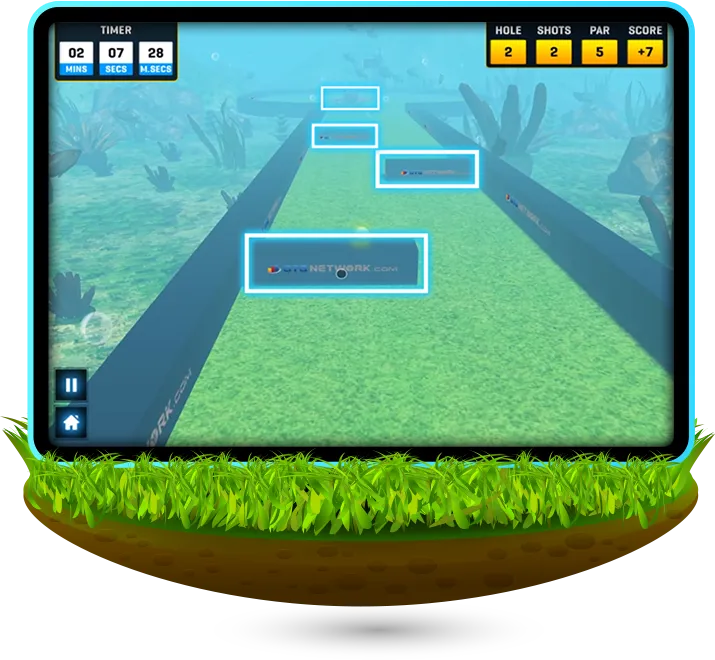
- Keep track of your progress with the display at the top of the screen. This shows your total time, hole number, shots, par and score.
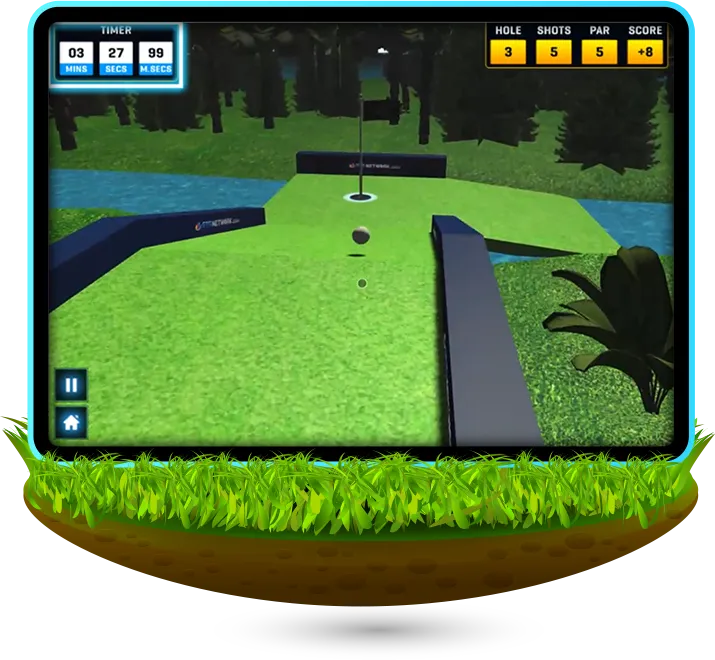
- Aim to complete 3 holes in the fewest shots possible, while navigating obstacles and discovering shortcuts.
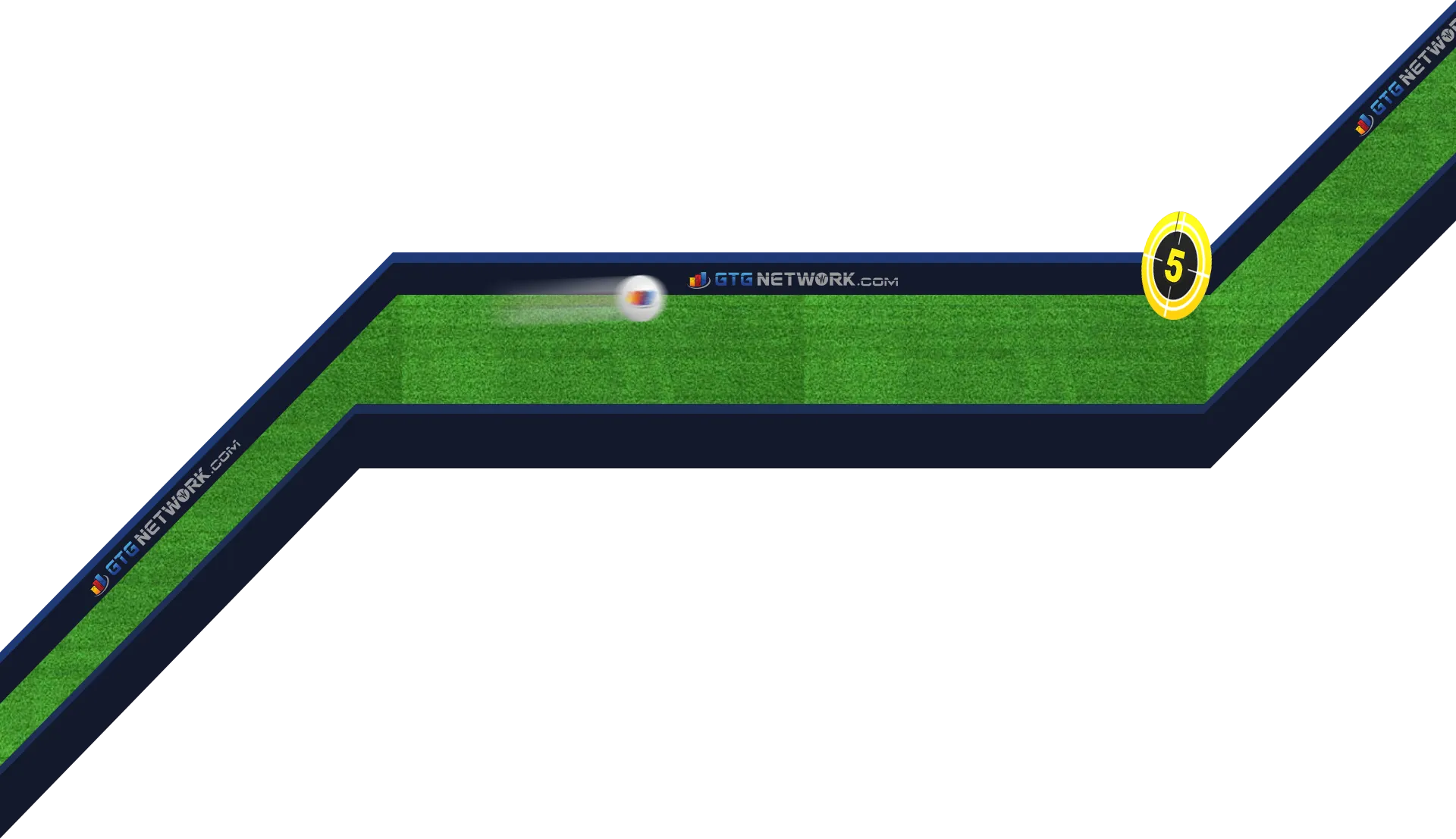
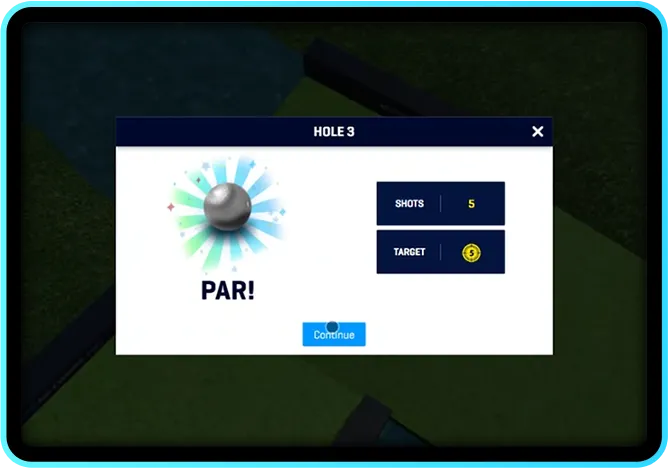
The par and total shots
will show upon finishing
each hole.
will show upon finishing
each hole.
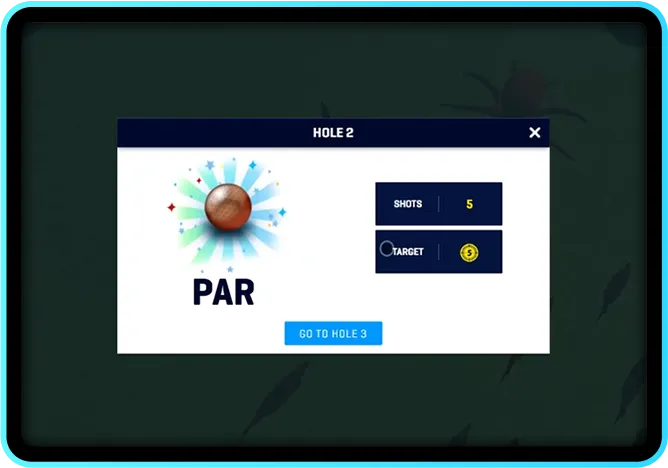

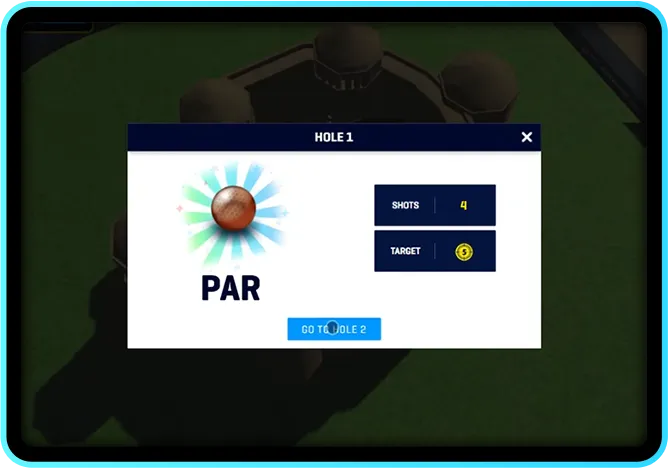
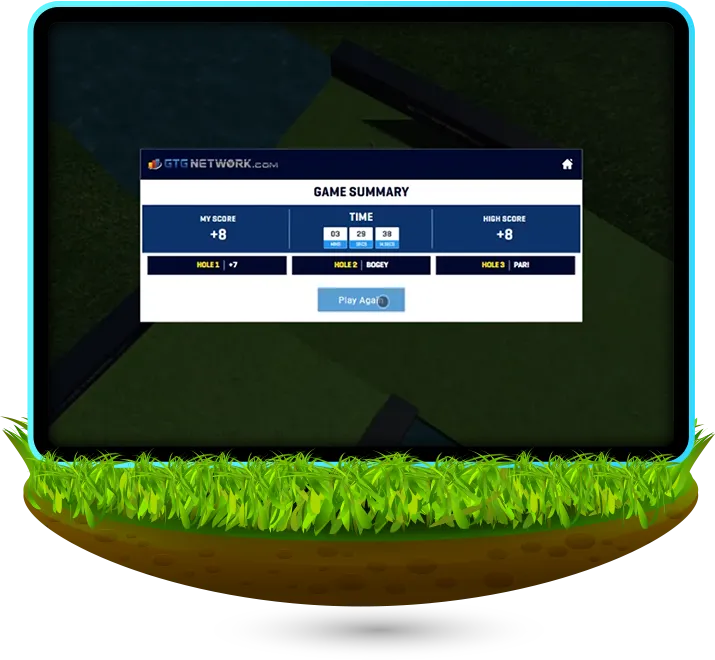
- A game summary with the score, time, high score, holes 1-3, and par will show up when three holes have been completed.
-
Engaging
Gameplay- Mini Golf Islands promises a captivating experience where players engage in challenging yet rewarding gameplay.
-
 Strategic
Decision-Making- Expect to strategize each shot meticulously, considering factors like power, angle, and potential obstacles to overcome.
-
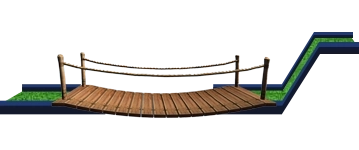 Exploration
and Discovery- Discover hidden shortcuts and alternate routes as you explore the intricacies of each island, adding depth to the gameplay and encouraging exploration.
-
 Competitive
Challenge- Compete against yourself and others to complete each hole in as few shots as possible, fostering a sense of achievement and competitiveness.
-
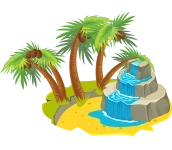 Visual
Delight- Immerse yourself in stunning island environments with vibrant visuals and picturesque landscapes, enhancing the overall gaming experience.

Get ready to tee off on an unforgettable adventure with Mini Golf Islands! Navigate scenic courses, master precision shots, and discover hidden shortcuts in this captivating miniature golf game. With intuitive controls and engaging gameplay, every swing counts towards victory. Can you conquer the islands and achieve the perfect score? Swing into action now!
-
How do I adjust the power and angle of my shot?
-
Can I cancel a shot if I change my mind?
-
How do I change the camera angle?
-
What happens after completing each hole?