Picture Pursuit


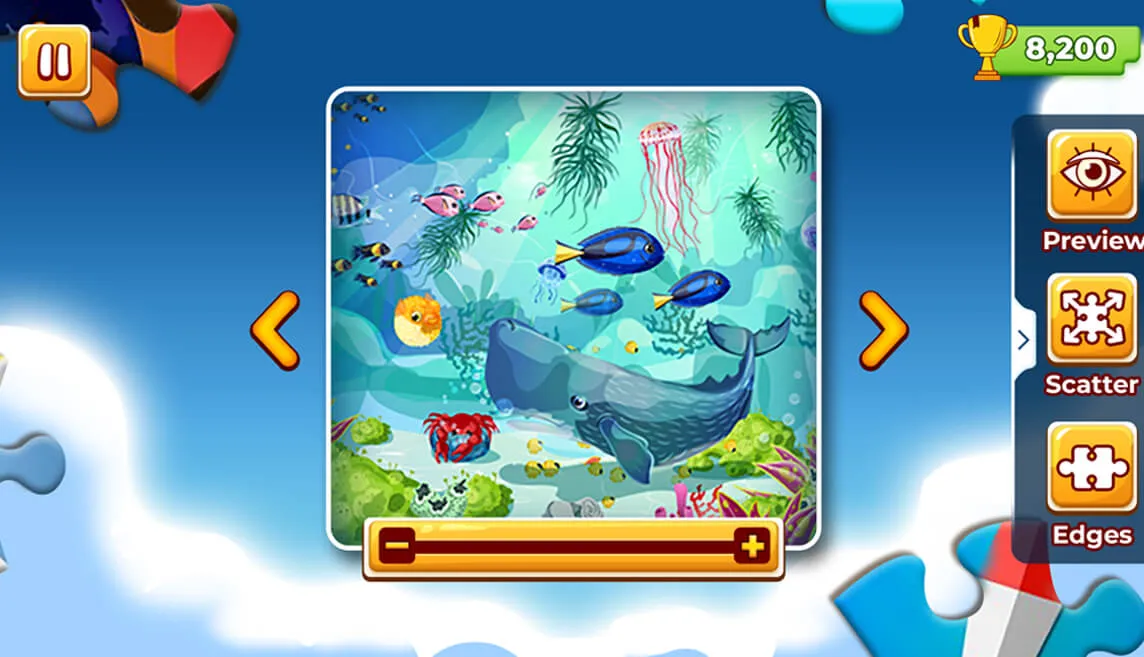

Picture Pursuit is an engaging jigsaw puzzle game where players reconstruct a scrambled image from its pieces. Users can click and drag puzzle pieces into the frame, attempting to complete the image within a time limit. The game incorporates strategic features like zoom, scatter, edges, and preview, enhancing the puzzle-solving experience. Different difficulty levels and scoring mechanisms contribute to a dynamic and rewarding gameplay experience.


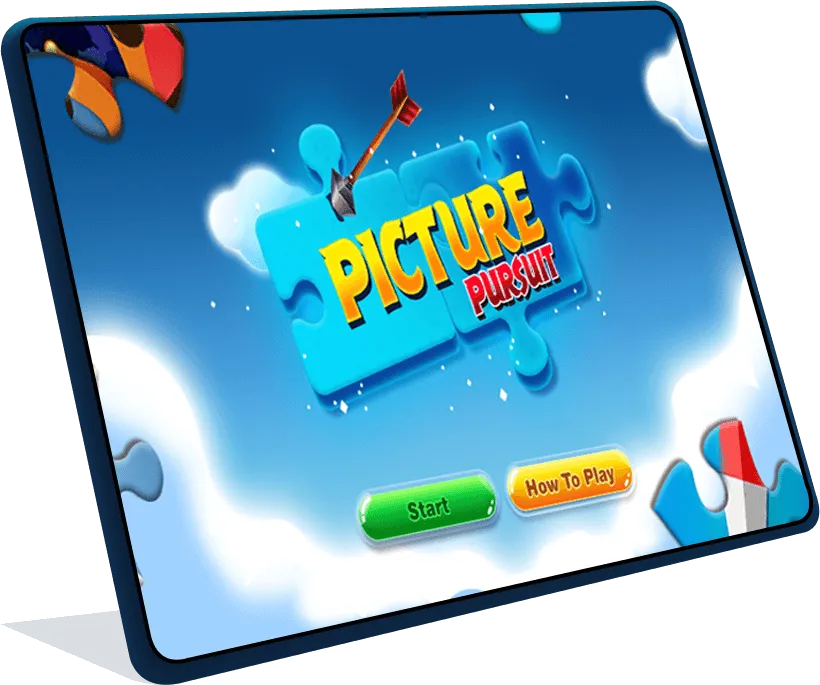


- Begin a new game by selecting "Start" on the home page.
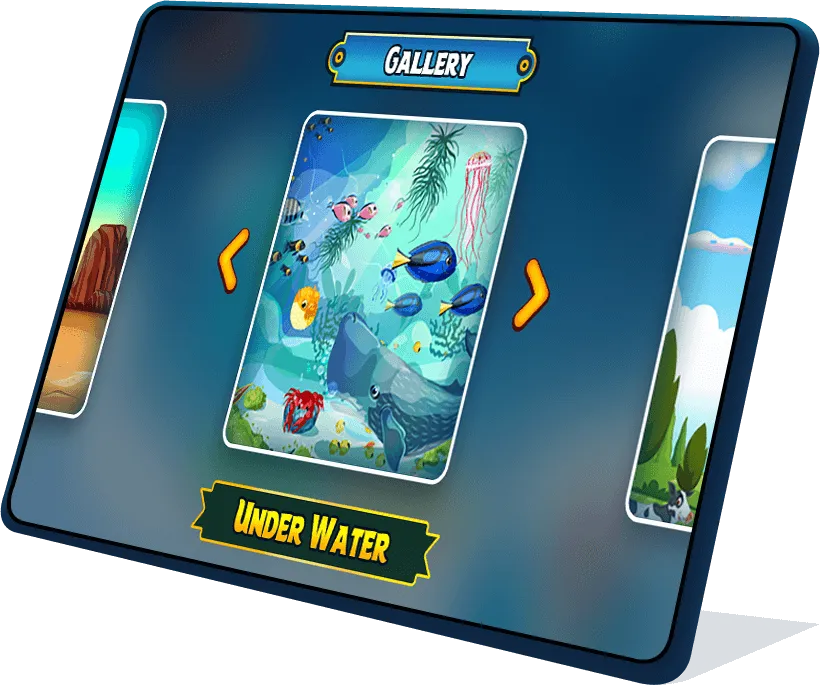

- Choose your preferred scene.
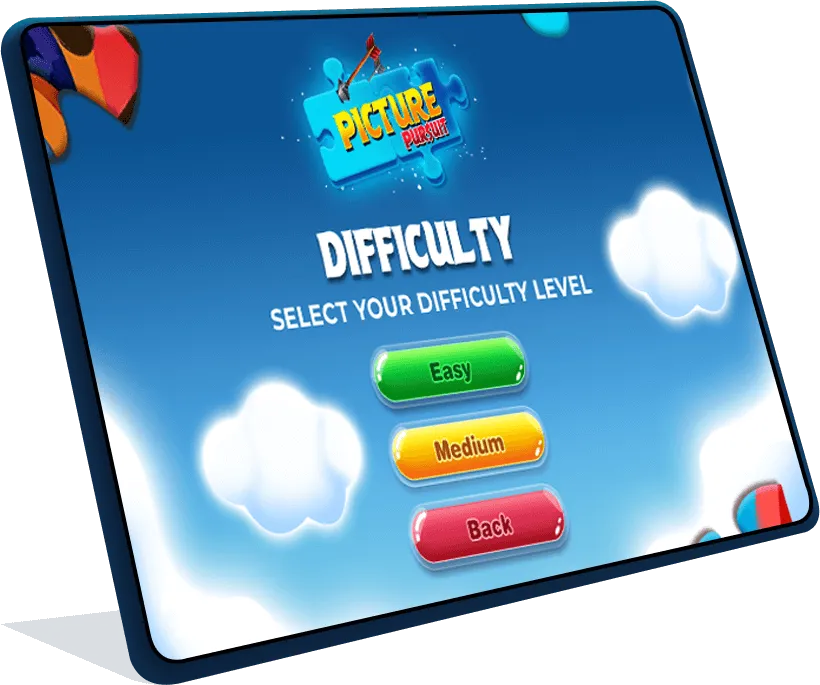


- Choose your preferred difficulty level.
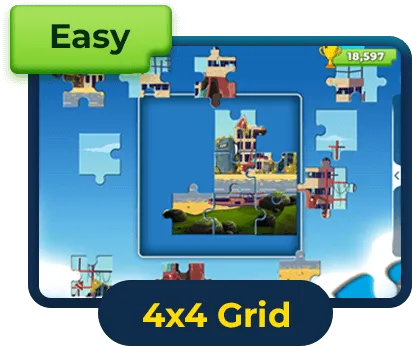
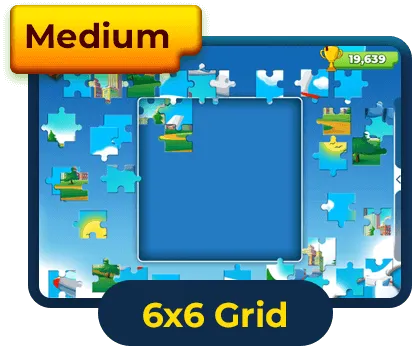
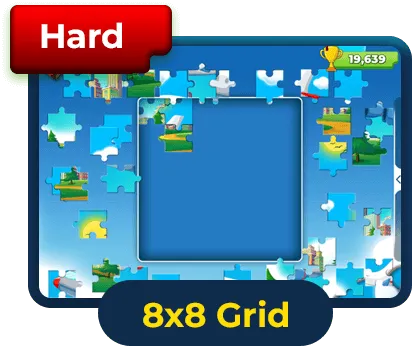
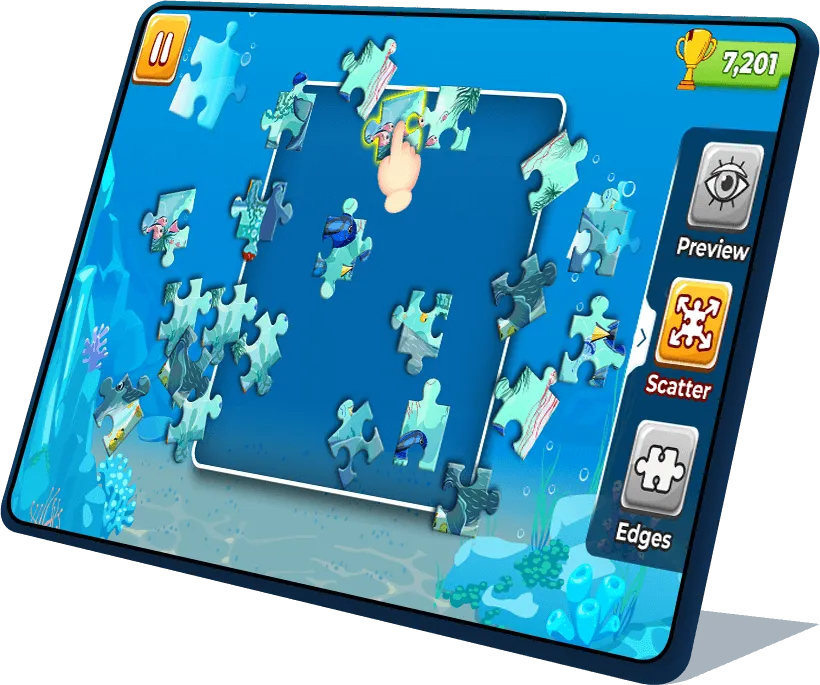

- An image is displayed, broken into pieces, and shuffled. Click and drag pieces to connect them within the frame. Place the pieces correctly.

Scatters -
- Used to randomize the positions of remaining pieces.

Edges -
- Used to reveal only the edge pieces, with the option to toggle visibility.

Preview -
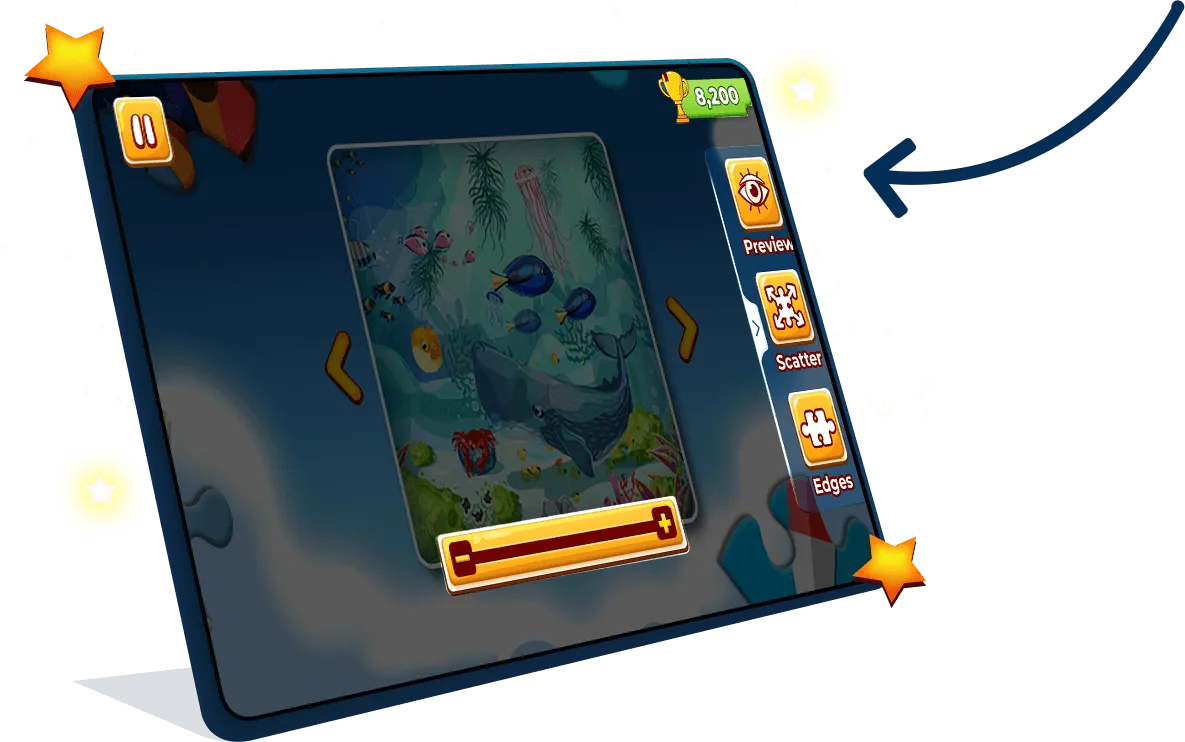
- Used for a closer look at intricate details.

Points countdown timer -
- At the top of the screen you can view your dynamic score.
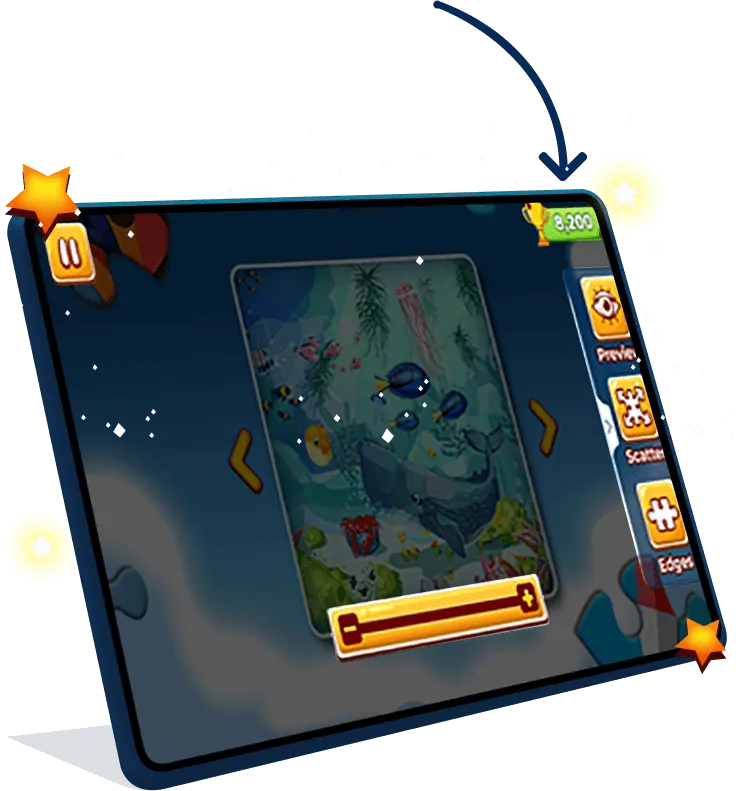
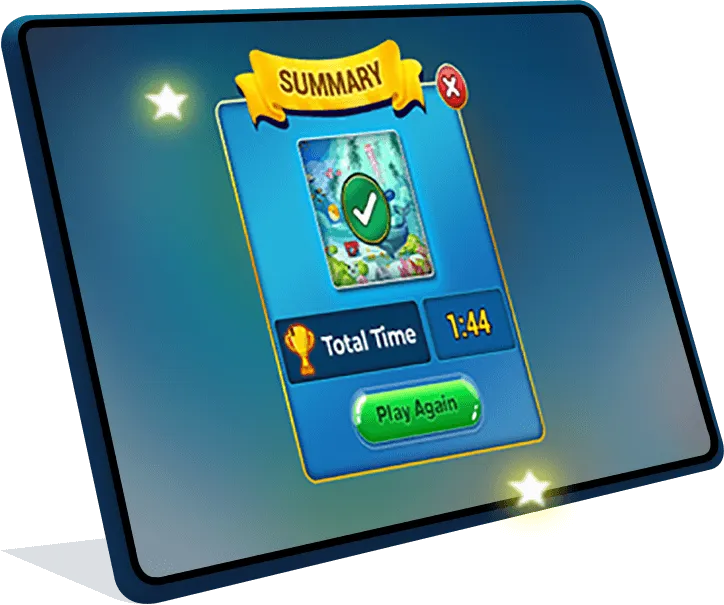
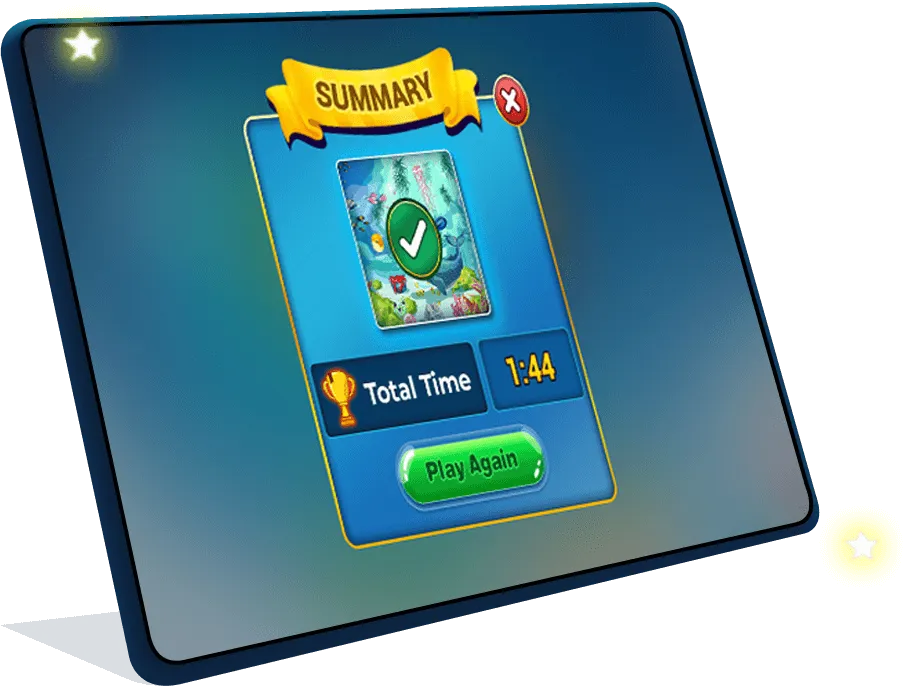


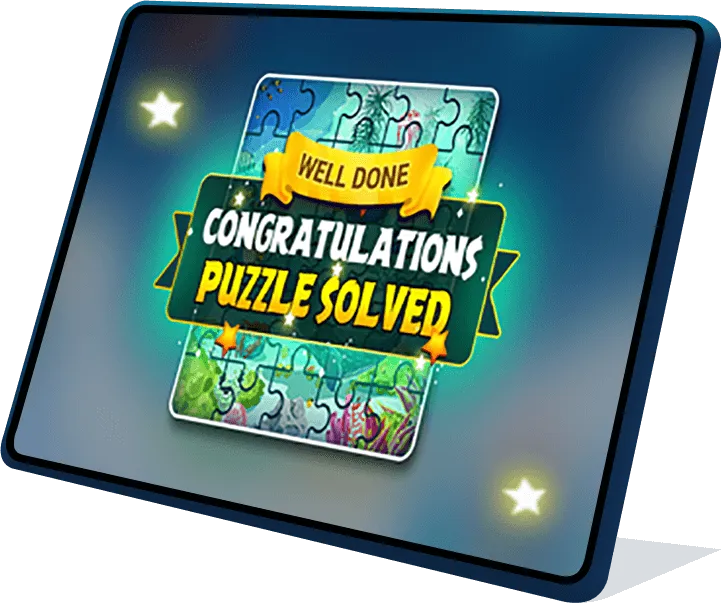
- After completing the scene, an animation of “Well done! Congratulations. Puzzle Solved” will appear.
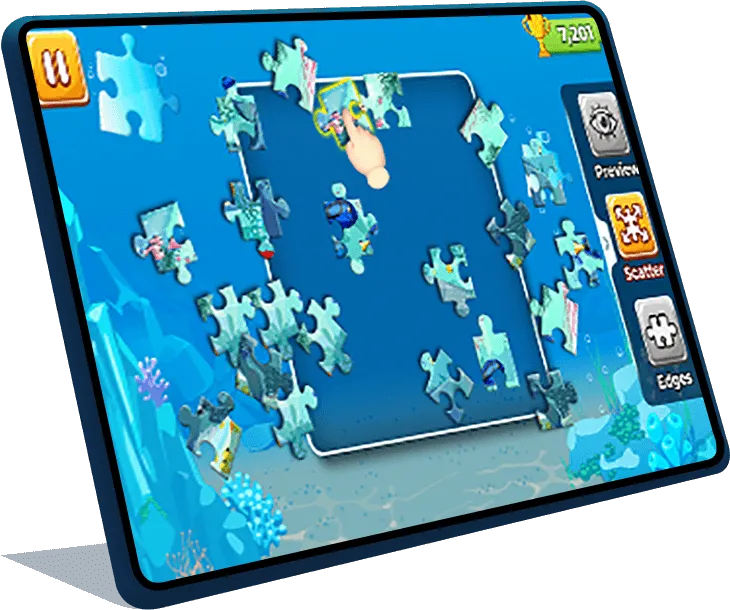
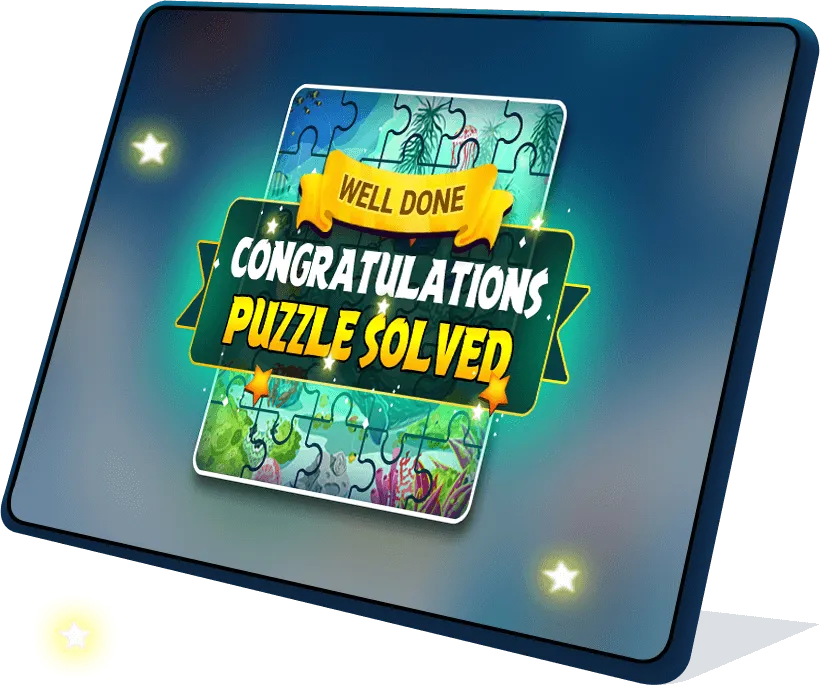
- Then a Game Summary will pop up showing the Total Score.
-
 Strategic Puzzle Solving
- Strategically place pieces to reconstruct the image within the frame.
- Utilize functionalities like scatter and edges for varied perspectives.
-
 Competitive Element
- Earn points based on speed and accuracy.
- Challenge yourself to beat your own records and compete with friends.
-
 Engaging Replayability
- Quick, addictive rounds ensure an enjoyable gaming experience.
- Dynamic gameplay and various functionalities keep the game fresh.
-
 Interactive Features
- Zoom in/out for detailed scrutiny.
- Scatters and edges functionalities add layers of complexity.
Embark on an exciting Picture Pursuit, where jigsaw puzzles spring to life! Piece together scrambled images against the ticking clock. Immerse yourself in the adventure of solving puzzles and overcome the challenge with each puzzle piece!
-
Q How are points calculated?


-
Q What happens if the puzzle is incorrect?
-
Q Can I change my puzzle difficulty mid-game?
-
Q Is there a limit to the number of previews during gameplay?
-
Q Can I undo a move?