Solitaire





Solitaire Challenge is a classic card game designed for combining strategy, skill, and a touch of luck. The objective is to move all cards to the foundation piles in ascending order, showcasing your ability to organize the deck efficiently. With familiar rules and a user-friendly interface, this game provides a captivating solo card-playing experience.

- Click "Play Now" on the game interface.
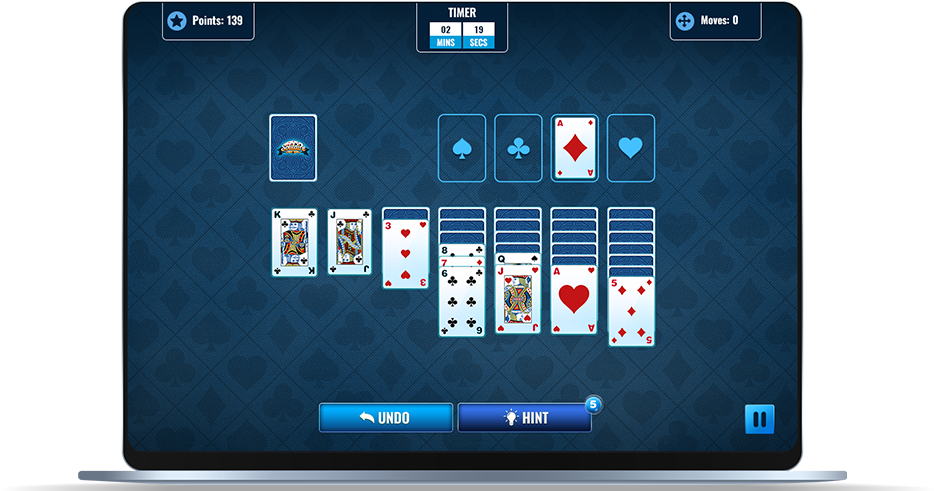
- Click and drag cards to move them. Follow the rule of descending order and alternating between colours when moving cards between the tableau piles.
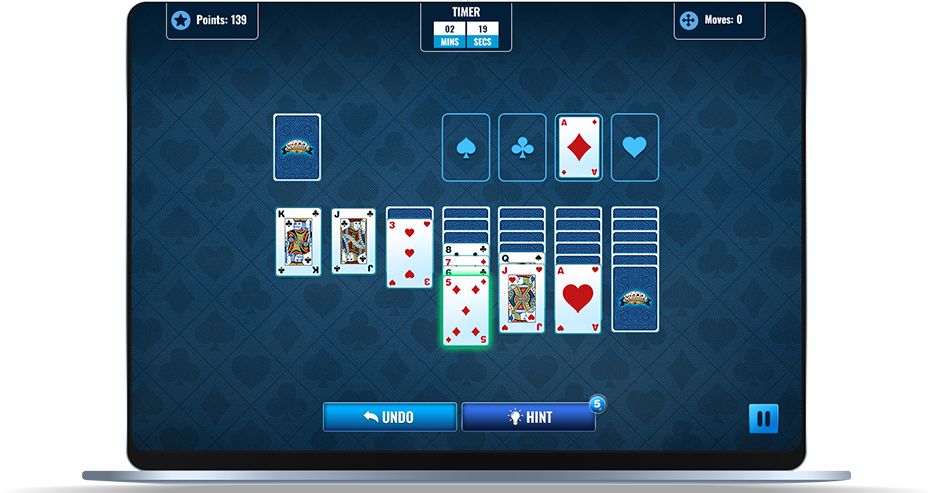
- Start a new tableau pile with a King.
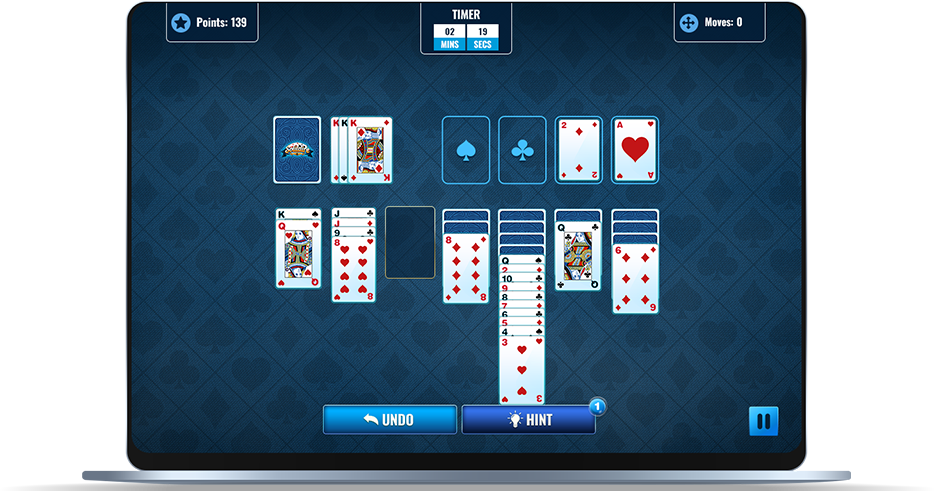
- Move all cards to the foundation piles at the top in ascending order beginning with an Ace and finishing with a King.
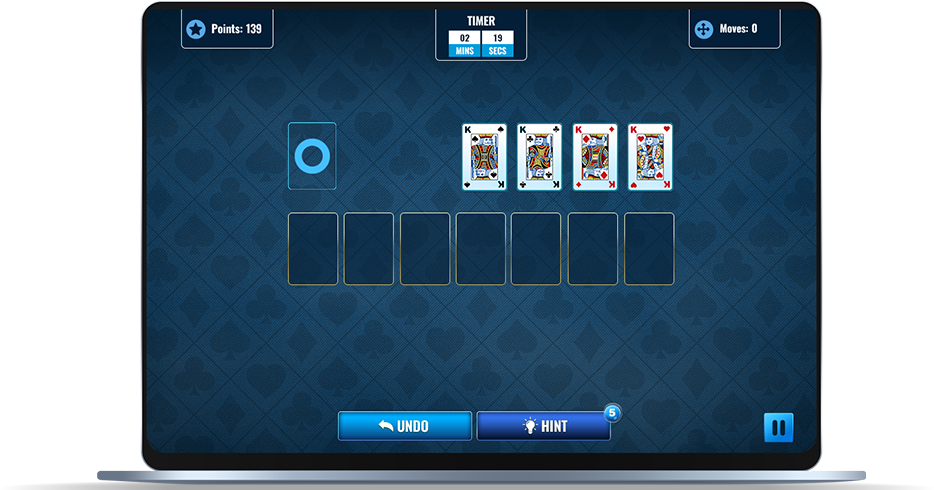




- Click on the Stockpile to draw a card when no moves are available. Use the drawn card in tableau or foundation piles if possible. Click again to draw another card if the first one cannot be played.
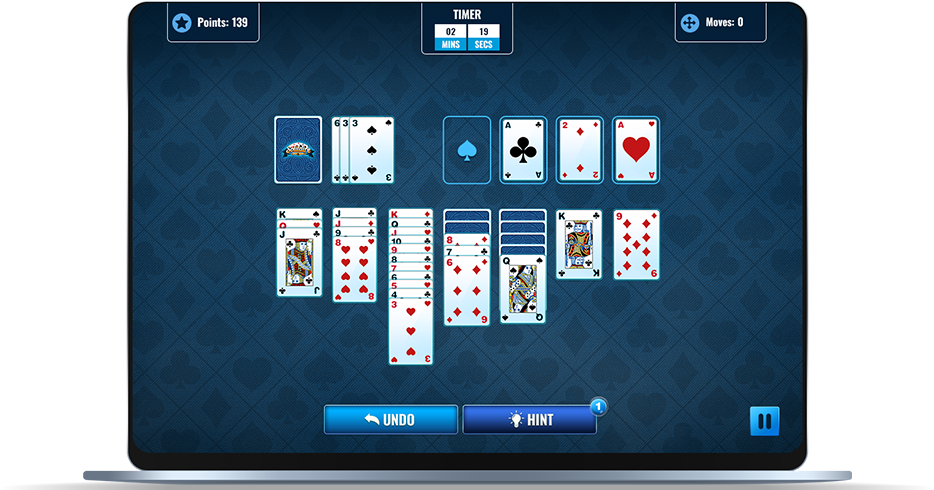


Score-
Total time and moves made will total your score.


Pause Button-
Pause button available during gameplay.




A game timer as well as a moves made counter will show at the top of the screen.


Undo-
The undo button provides users will the ability to reverse their most recent move.


Hints-
The hint button will flash a moveable option if it is available.
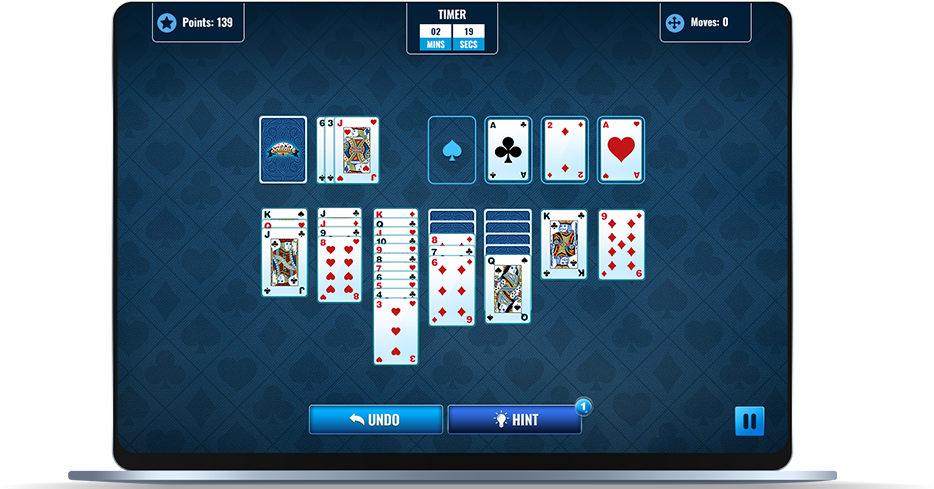
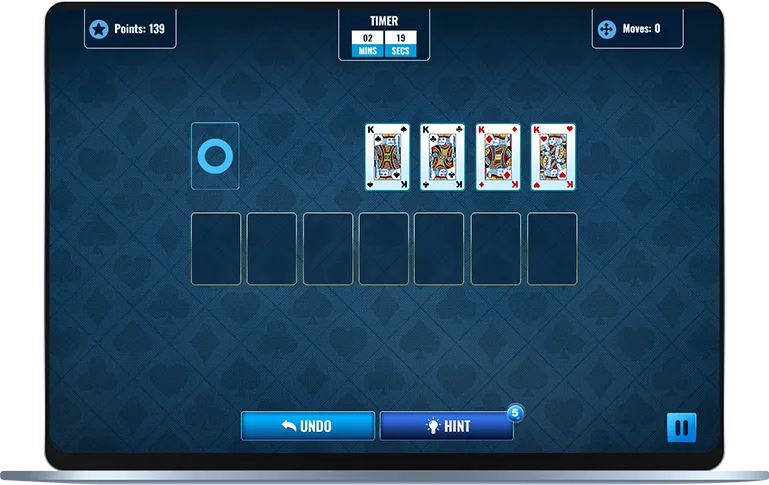
- The game will end if the player successfully completes the four piles at the top or the player runs out of available moves.
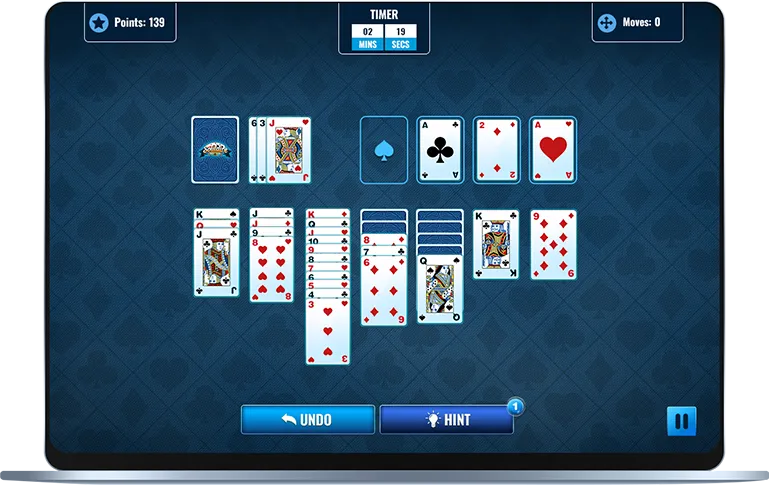
- After the animations, a game summary will display showing the users total time, moves made, cumulative timed score, home button and an option to play again.
-
Enjoyable Strategy
- Have fun strategizing your moves in Solitaire. Every decision counts as you aim to organize the cards efficiently.
-
Skill Improvement
- Get better at planning and logical thinking with each game. Solitaire helps you exercise your brain while having fun.
-
Endless Fun
- Play again and again, enjoying quick rounds that never get old. It's a timeless game you'll want to keep coming back to.
-
Engaging Experience
- Dive into a captivating solo card game that's both relaxing and stimulating. Solitaire offers the perfect blend of challenge and enjoyment for players of all levels.
Solitaire Challenge is a classic card game designed for combining strategy, skill, and a touch of luck. The objective is to move all cards to the foundation piles in ascending order, showcasing your ability to organize the deck efficiently. With familiar rules and a user-friendly interface, this game provides a captivating solo card-playing experience.

FAQs
-
How many hints do I get, and what do they do?Q
-
Is there a specific way to move cards between piles?Q
-
What if I can't make any moves?Q
-
Are there any restrictions on starting a new tableau pile?Q