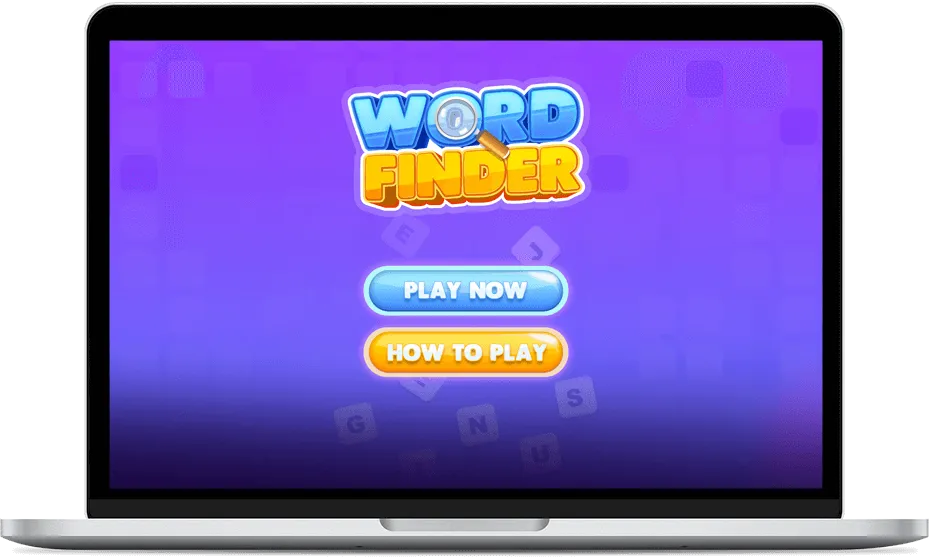
Word Finder


Introducing Word Finder – the ultimate word-search adventure! Dive into a 90-second challenge across customizable grids. Uncover hidden words with a tap, click, hold, or drag – explore vertically, horizontally, and diagonally! Seamlessly enjoy on mobile or desktop with drag-and-hold or click-and-drag features. Earn points for precision, strategize your way to victory! Can you beat the countdown? Brilliance rewarded at every turn!



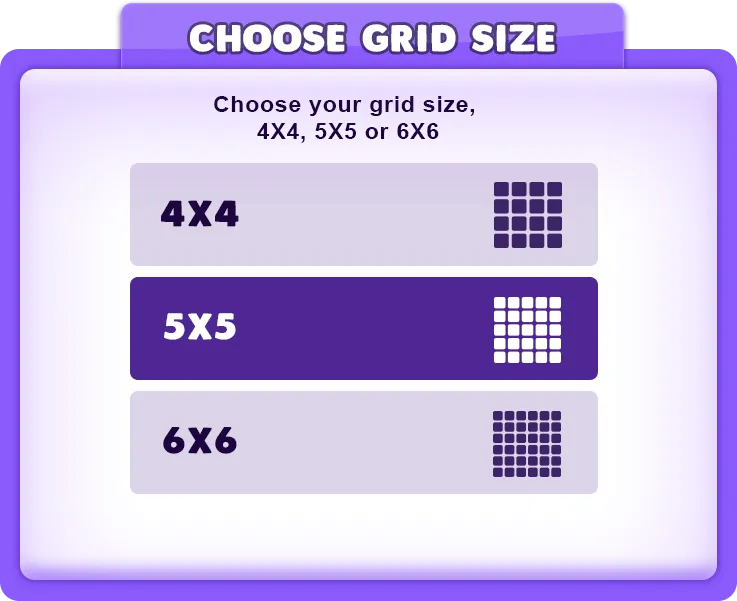
- Before starting the game, select your preferred grid size (4x4, 5x5, 6x6) to determine the complexity of the word search.

- Once the grid size is chosen, a 90-second countdown timer begins for all grids. Keep an eye on the countdown timer at the top of the screen. The game concludes when the timer reaches zero.

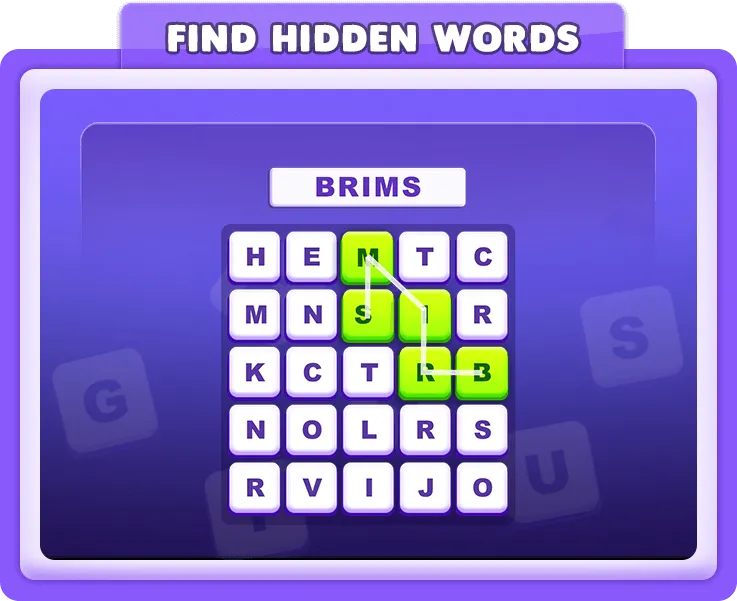
- Words are generated and hidden within the grid of letters. Your mission is to uncover as many words as possible within the given time.

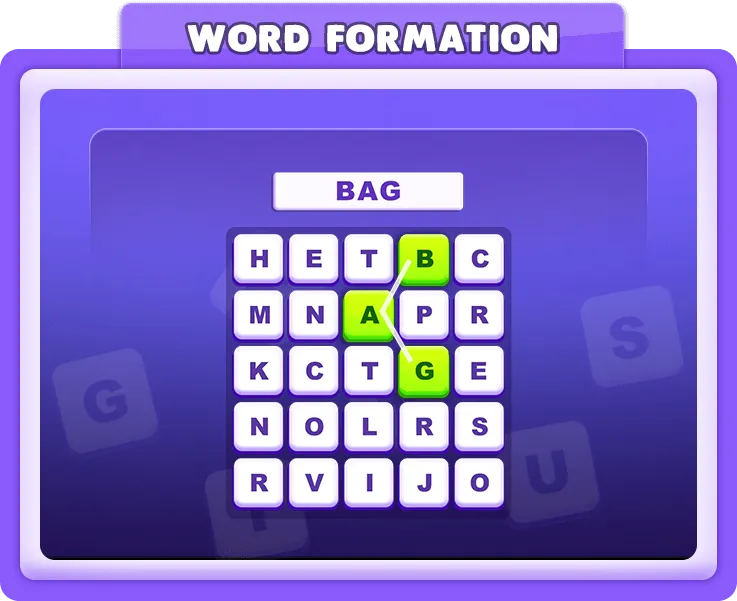
- Utilize the tap/click and hold/drag function to connect letters in the correct order, forming words both vertically and horizontally. Additionally, explore all directions, including diagonal paths, similar to a word search, for dynamic and creative word creation during gameplay.

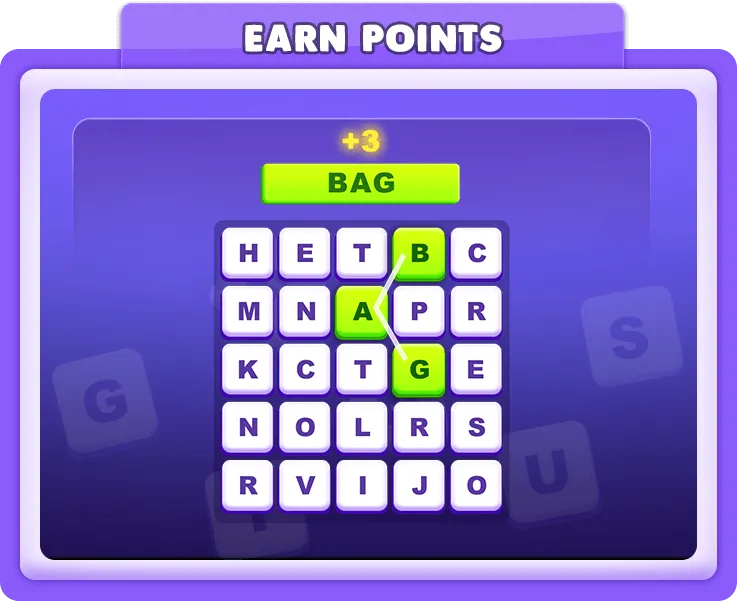
- Points are awarded for each correctly crafted word. The number of points corresponds to the number of letters in the word (e.g., a 5-letter word earns 5 points).

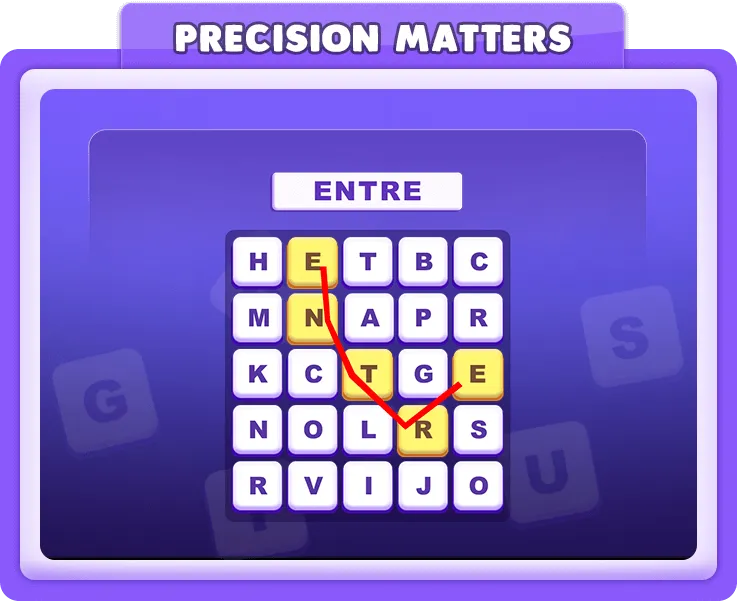
- Incorrect attempts won't affect your score, but precision is key to maximizing points within the time limit.

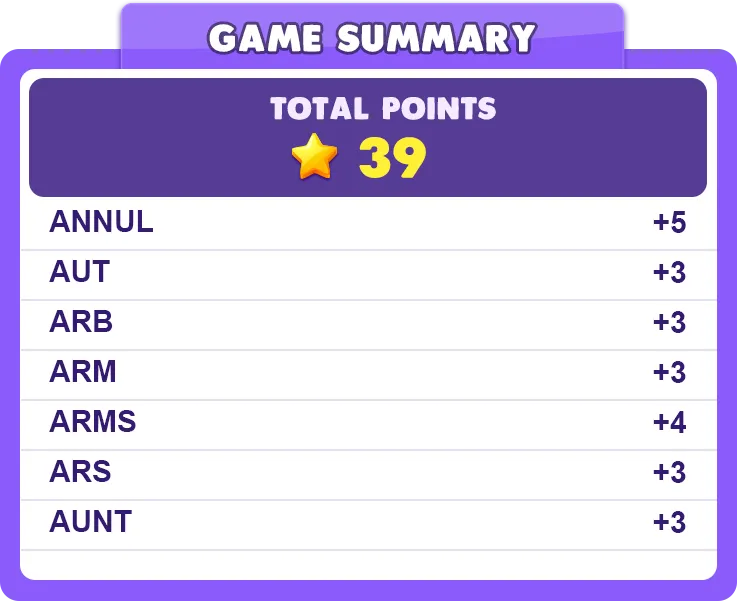
- After the timer expires or all possible words are found, you'll be taken to the game summary screen. It displays your total points, the number of possible words, and highlights the words you've created.

- Choose to return home or dive back into the word-finding adventure with the "Play Again" button.
-
 Intellectual Challenge
- Players can expect an intellectual challenge as they strive to uncover hidden words within a limited time. The varying grid sizes add an extra layer of complexity.
-
 Strategic Word Crafting
- The game rewards strategic thinking as players aim to maximize points by forming words with precision. Each word's point value adds a strategic element to the gameplay.
-
 Engaging and Fast-Paced Experience
- With a 90-second countdown, players can anticipate an engaging and fast-paced gaming experience. Quick thinking and efficient word-finding are essential.
-
 Flexible Gameplay
- The ability to form words in all directions offers a dynamic and exploratory element to the game, allowing players to adapt their strategies and explore various word combinations.
Venture in an extraordinary quest with Word Finder, where the thrill of uncovering hidden words awaits! Challenge your intellect, explore various directions, and accumulate points for precision within a 90-second countdown. Strategize your way to victory and bask in the brilliance of your word-finding skills. Dive into the ultimate challenge – Word Finder awaits your exploration!
-
Q: How do I form words in Word Finder?
-
Q: Can I choose the difficulty level of the game?
-
Q: Do incorrect attempts affect my score?
-
Q: How are points calculated in Word Finder?
-
Q: What happens when the timer runs out?